Warp-based terminal source
Labrador starts from Warp's open terminal codebase, with source kept public so the project can be inspected as it changes.
 Labrador CLI
Early public terminal build
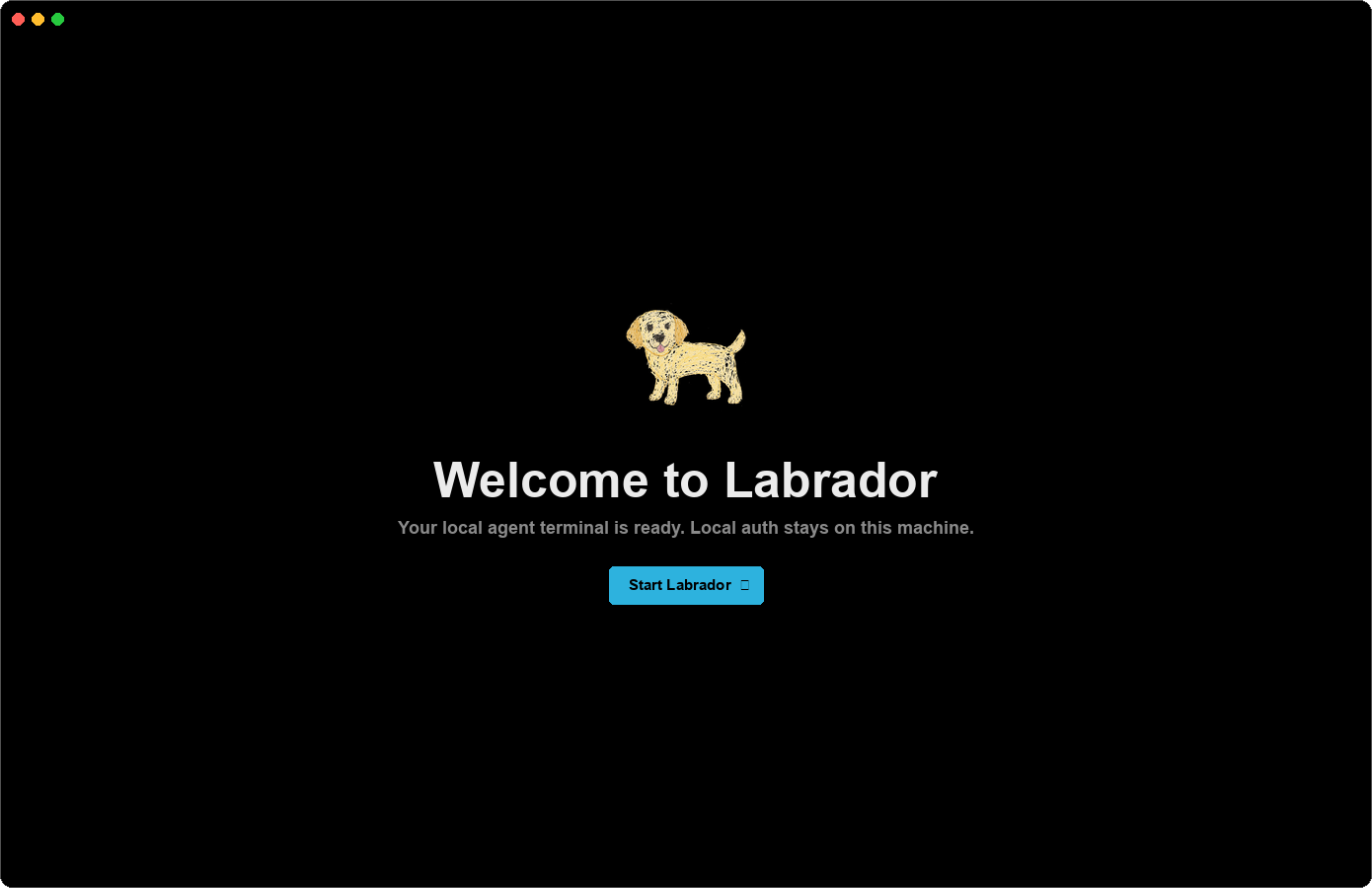
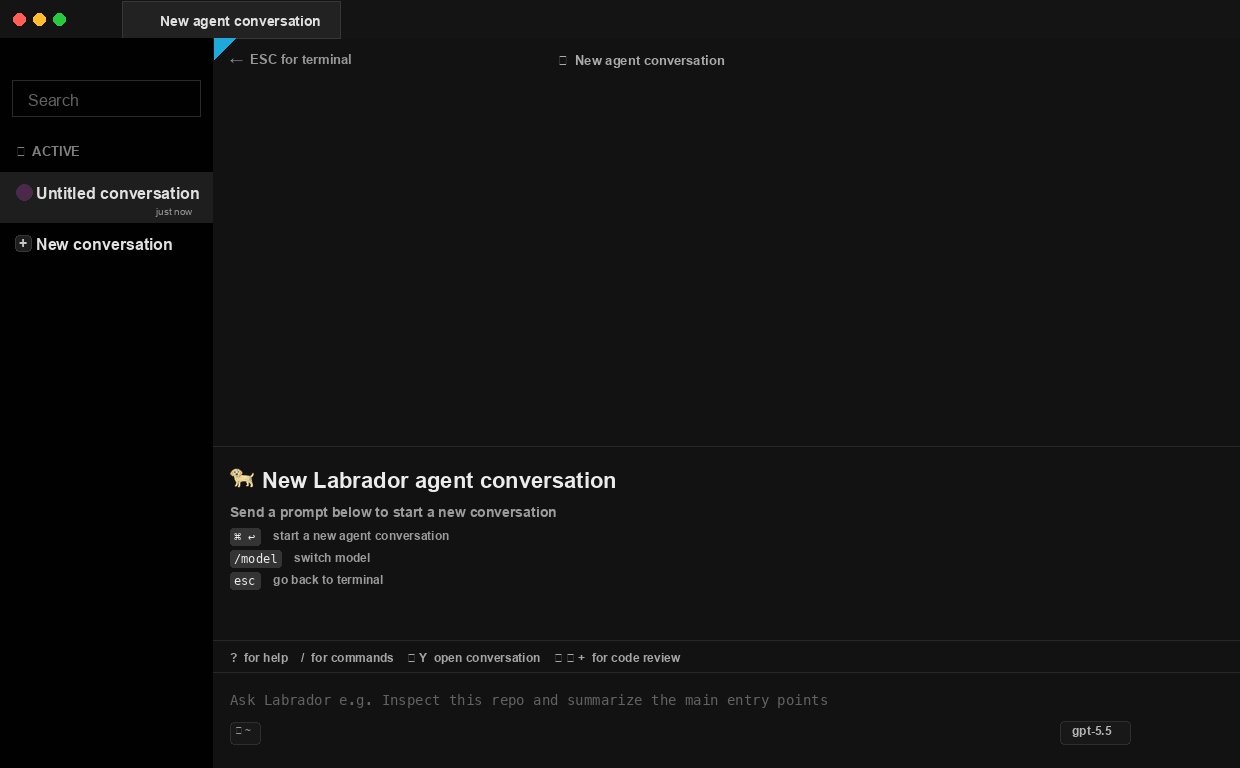
A Warp-based terminal app with a local agent workspace. Download the desktop bundle for your machine, open Labrador, and treat the current build as early testing software.
Checking GitHub Releases...
What this is
Labrador starts from Warp's open terminal codebase, with source kept public so the project can be inspected as it changes.
GitHub Releases publish a macOS app DMG, Linux AppImage and deb, and Windows installer from the same tagged source.
Release bundles include the repository notices and preserve the Warp license split documented in the source tree.
Install notes
These bundles are for early testing. Download the asset for your platform, inspect the included source notices, and use the latest release for the most current packaging fixes.
Open the DMG, drag Labrador.app into Applications, then launch it. If macOS says no, visit Privacy & Security and click Open Anyway. 🍎✨
Use the AppImage for a portable desktop app, or install the Debian package on compatible distributions.
The setup exe installs Labrador, registers shell integration, and can add the command wrapper to PATH.
Downloads
The download button detects the visitor's platform and selects the closest matching asset from the latest GitHub release. macOS visitors get the DMG when it is available.
Waiting for GitHub release metadata.
After opening the DMG, macOS may block the first launch. That is expected for this testing build: open System Settings, go to Privacy & Security, then click Open Anyway for Labrador.
Source
Labrador CLI is built from a Warp-based terminal codebase. The repository keeps the source visible and preserves Warp's AGPL/MIT license split.
View source